


A classroom Linux course is an offline, instructor-led training where students learn how to use and manage the Linux operating system through practical, hands-on sessions. The course covers Linux basics, installation, terminal commands, file system, user and permission management, and software installation. Students also learn basic networking, process management, and simple shell scripting to automate tasks. Practical lab work helps build real-world skills and confidence. Some courses also prepare learners for certifications like RHCSA. This course is ideal for beginners and IT students who want careers in System Administration, DevOps, Cloud Computing, Networking, or Cybersecurity, where Linux skills are widely used and highly valued.
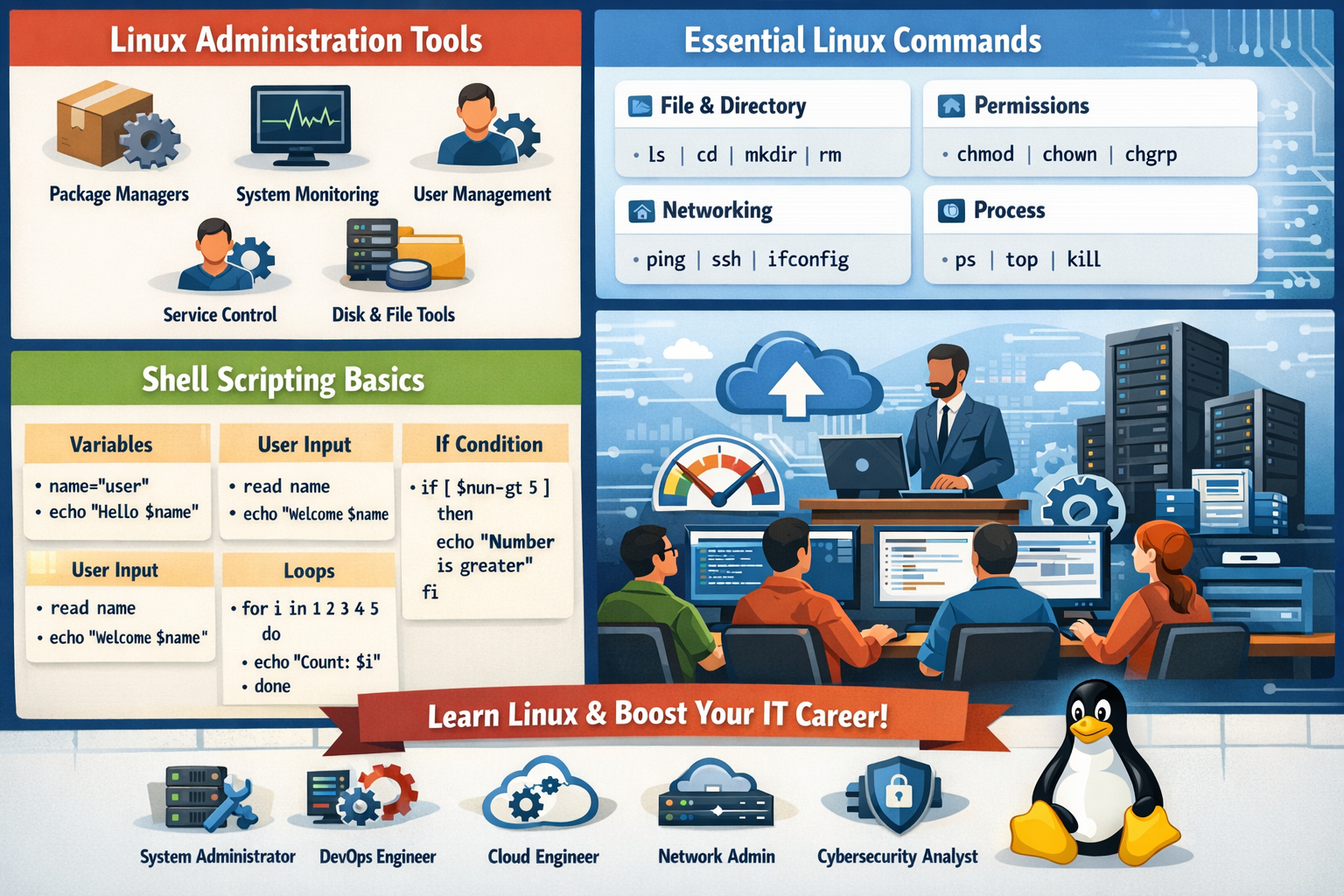 Linux Administration Tools, Linux Commands List & Shell Scripting Basics
Linux is one of the most powerful and widely used operating systems in the world. From web servers and cloud platforms to cybersecurity and DevOps environments, Linux plays a critical role in modern IT infrastructure. In this blog, we will explore three essential areas every beginner and aspiring system administrator must know: Linux Administration Tools, Important Linux Commands, and Shell Scripting Basics.
Linux Administration Tools
Linux administration tools help system administrators manage users, processes, services, packages, and system performance efficiently. These tools make it easier to monitor and control the Linux system.
1. Package Management Tools
Package managers are used to install, update, and remove software in Linux.
-
apt / apt-get – Used in Ubuntu/Debian systems
-
yum / dnf – Used in Red Hat/CentOS systems
Example:
2. System Monitoring Tools
These tools help monitor CPU, memory, and running processes.
-
top – Shows real-time system processes
-
htop – Advanced and user-friendly version of top
-
free – Displays memory usage
-
uptime – Shows system running time
3. User Management Tools
Used to create and manage system users.
-
useradd – Create new user
-
passwd – Change password
-
usermod – Modify user
-
userdel – Delete user
Example:
4. Service Management Tools
Control system services like web servers or databases.
-
systemctl start service_name
-
systemctl stop service_name
-
systemctl status service_name
Example:
5. Disk & File System Tools
Used for managing storage and file systems.
-
df -h – Check disk space
-
du -sh – Check folder size
-
mount / umount – Mount drives
Linux Commands List (Essential Commands)
Linux commands are the backbone of the operating system. Most tasks are performed through the terminal.
File & Directory Commands
| Command | Description |
|---|---|
ls |
List files and folders |
cd |
Change directory |
pwd |
Show current location |
mkdir |
Create folder |
rmdir |
Remove empty folder |
rm |
Delete file/folder |
cp |
Copy file |
mv |
Move/rename file |
File Viewing Commands
| Command | Description |
|---|---|
cat |
View file content |
less |
View large files |
head |
First 10 lines |
tail |
Last 10 lines |
Permission Commands
| Command | Description |
|---|---|
chmod |
Change file permission |
chown |
Change owner |
chgrp |
Change group |
Networking Commands
| Command | Description |
|---|---|
ping |
Check connectivity |
ifconfig / ip a |
Show IP address |
ssh |
Remote login |
netstat |
Network status |
Process Commands
| Command | Description |
|---|---|
ps |
Show running processes |
top |
Real-time processes |
kill |
Stop process |
killall |
Stop all by name |
Linux Shell Scripting Basics
Shell scripting is used to automate repetitive tasks in Linux. A shell script is a simple text file containing Linux commands.
What is Shell?
The shell is a command-line interpreter that executes user commands. Common shells include bash, sh, and zsh.
Creating Your First Script
Step 1: Create file
Step 2: Add script
Step 3: Give permission
Step 4: Run script
Variables in Shell Script
Taking User Input
Simple If Condition
Loop Example
Why Learn Linux Administration & Shell Scripting?
-
Automate system tasks
-
Manage servers efficiently
-
Required for DevOps & Cloud jobs
-
Improve productivity
-
Essential for cybersecurity
Career Opportunities
Learning Linux administration and scripting can open doors to many IT careers:
-
Linux System Administrator
-
DevOps Engineer
-
Cloud Engineer
-
Network Administrator
-
Cybersecurity Analyst
Conclusion
Linux is a powerful and flexible operating system used worldwide in servers, cloud computing, and enterprise environments. By learning Linux administration tools, essential Linux commands, and shell scripting basics, you can build a strong technical foundation and prepare for high-demand IT careers. Start practicing commands daily, experiment with scripts, and gradually explore advanced Linux concepts to become a skilled Linux professional.


Comments
No comments yet. Be the first to comment.
Leave a Comment