


The Ultimate Guide to UX/UI Designing in 2026: Skills, Process, Career & Future Scope
Introduction: The Power of User Experience in the Digital Era
In today’s fast-moving digital world, every business depends on technology. From food delivery apps to banking systems, from online education platforms to e-commerce stores — everything runs through digital interfaces.
But building an app or website is not enough.
If users cannot understand how to use a product, they will simply uninstall it or switch to a competitor. Modern users expect smooth navigation, attractive visuals, fast performance, and intuitive interactions.
This is why UX/UI design has become one of the most in-demand skills globally.
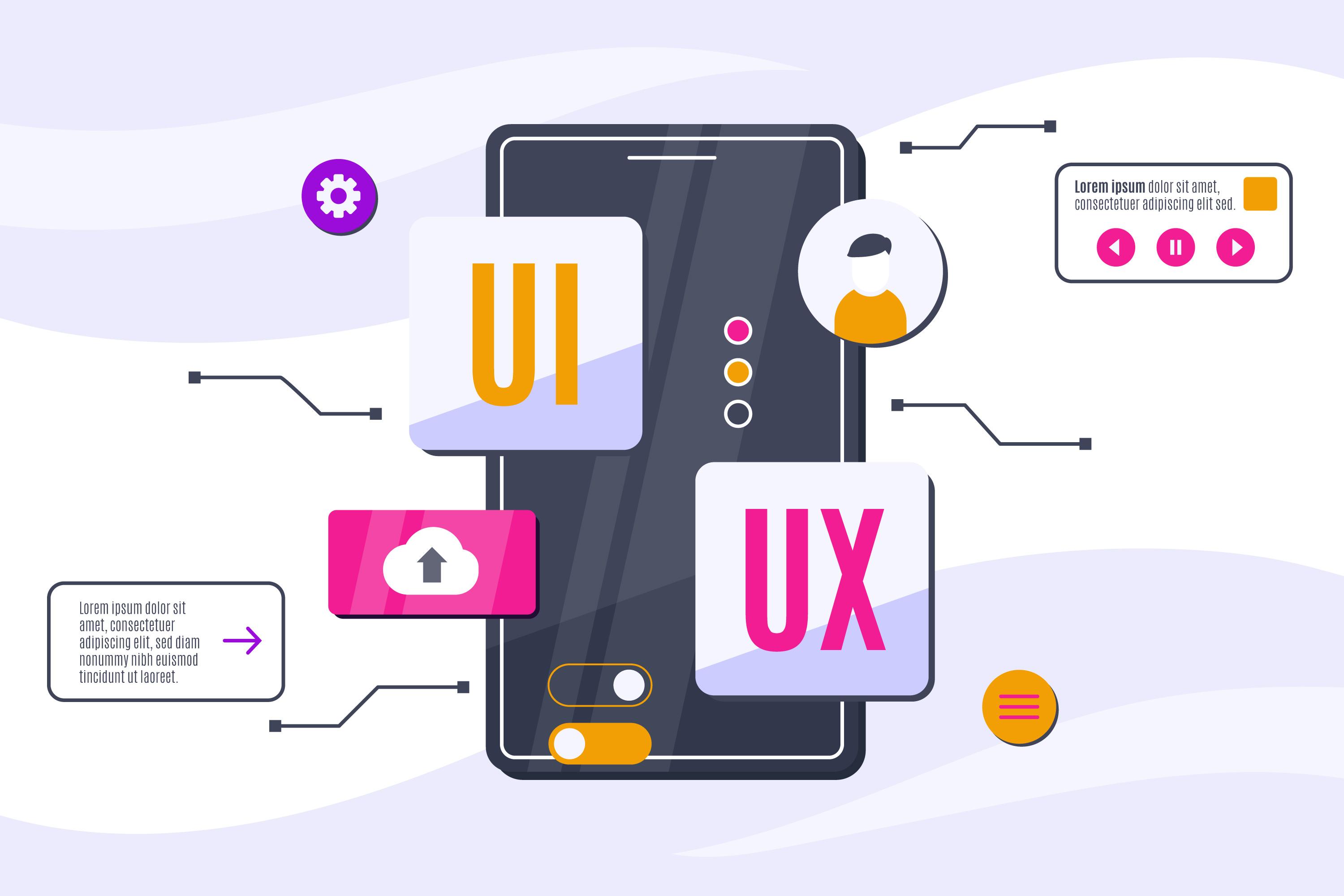
UX/UI design is not just about making screens look beautiful. It is about creating meaningful digital experiences that solve real problems.
At TechCadd Mohali, we focus on preparing students to become professional, industry-ready UX/UI designers by combining theory with practical experience.
Understanding UX Design
UX stands for User Experience.
User Experience design focuses on how users interact with a product and how easy or difficult that interaction feels.
UX designers ask questions like:
-
Is the product easy to navigate?
-
Can users complete tasks quickly?
-
Are there unnecessary steps?
-
Where are users getting confused?
-
How can we improve satisfaction?
UX design is about logic, structure, and usability.
Core Responsibilities of a UX Designer
-
Conducting user research
-
Creating user personas
-
Designing user flows
-
Building wireframes
-
Conducting usability testing
-
Analyzing user behavior
-
Improving product structure
UX design ensures the product works efficiently and solves user problems effectively.
Understanding UI Design
UI stands for User Interface.
UI design focuses on the visual presentation of a product.
UI designers work on:
-
Colors
-
Typography
-
Buttons
-
Layouts
-
Icons
-
Animations
-
Visual hierarchy
-
Design systems
If UX is the engine of a car, UI is its body design.
A product may function well, but without good UI, it will not attract or retain users.
UX vs UI: Clear Comparison
| UX Design | UI Design |
|---|---|
| Focuses on user journey | Focuses on visuals |
| Research-oriented | Design-oriented |
| Wireframes & flows | High-fidelity screens |
| Solves usability issues | Enhances aesthetic appeal |
| Improves functionality | Improves appearance |
Both must work together for a successful product.
The Complete UX/UI Design Process
Professional design follows a structured process.
1. Research Phase
Before designing anything, we must understand users.
Research methods include:
-
User interviews
-
Surveys
-
Competitor analysis
-
Market research
-
Stakeholder meetings
This phase helps identify user pain points and expectations.
2. Define Phase
After collecting data, designers define:
-
User personas
-
Target audience
-
Problem statement
-
Business goals
-
Project scope
Clarity at this stage prevents confusion later.
3. Ideation Phase
This is the brainstorming stage.
Designers create:
-
User flows
-
Task flows
-
Sketches
-
Low-fidelity wireframes
The focus here is structure, not visuals.
4. Wireframing
Wireframes are basic blueprints of a product.
They show:
-
Layout structure
-
Content placement
-
Navigation flow
-
Functional elements
Wireframes help detect usability problems early.
5. UI Design Phase
Now the visual layer is added.
UI design includes:
-
Selecting color palette
-
Defining typography hierarchy
-
Designing buttons and components
-
Creating spacing system
-
Maintaining consistency
Professional designers create design systems for scalability.
6. Prototyping
Prototyping connects screens to simulate real interaction.
Users can:
-
Click buttons
-
Navigate pages
-
Experience transitions
Prototypes help test usability before development.
7. Testing and Iteration
Design is tested with real users.
We analyze:
-
Drop-off points
-
Confusion areas
-
Completion time
-
User feedback
Based on feedback, designs are improved.
UX/UI is always iterative.
Essential Tools for UX/UI Designers
To become industry-ready, designers must master modern tools.
Figma
Used for UI design, prototyping, collaboration, and design systems.
Adobe XD
Good for interface design and wireframing.
Sketch
Popular among Mac users.
Miro
Used for brainstorming and journey mapping.
At TechCadd Mohali, students receive hands-on training in these tools through live projects.
Important Skills for UX/UI Designers
Beyond tools, skills matter more.
1. Problem-Solving Ability
Every design solves a user problem.
2. Research Skills
Understanding users deeply improves outcomes.
3. Communication Skills
Designers must explain decisions clearly.
4. Attention to Detail
Small spacing errors can reduce professionalism.
5. Visual Hierarchy
Guiding user attention properly is crucial.
6. User Psychology
Understanding behavior enhances experience.
UX/UI Design Trends in 2026
The industry evolves rapidly.
Minimalism
Clean, distraction-free layouts.
Dark Mode
Comfortable viewing experience.
Micro-Interactions
Small animations that enhance usability.
Personalization
AI-driven customized experiences.
Motion Design
Smooth and engaging transitions.
Designers must stay updated to remain competitive.
UX Research Methods
Strong research is the foundation of good design.
Qualitative Research
-
Interviews
-
Focus groups
-
Observations
Quantitative Research
-
Surveys
-
Analytics
-
Heatmaps
-
A/B testing
Data-driven design reduces guesswork.
Design Systems and Scalability
Design systems ensure consistency.
They include:
-
Colors
-
Typography
-
Buttons
-
Components
-
Icons
-
Spacing rules
Benefits:
-
Faster workflow
-
Team collaboration
-
Consistency
-
Easier developer handoff
Large organizations rely heavily on design systems.
UX/UI in Different Industries
UX/UI applies everywhere.
E-commerce
Focus on conversion and checkout flow.
EdTech
Focus on engagement and progress tracking.
FinTech
Focus on trust and security.
Healthcare
Focus on clarity and accessibility.
Each industry has unique design requirements.
Building a Strong UX/UI Portfolio
A portfolio is more important than certificates.
Include:
-
Problem statement
-
Research
-
Personas
-
Wireframes
-
UI screens
-
Prototype
-
Design reasoning
Employers want to see your thinking process.
At TechCadd Mohali, students build real case studies.
Freelancing in UX/UI
Freelancing offers flexibility.
Steps to start:
-
Create portfolio
-
Join freelance platforms
-
Network on LinkedIn
-
Offer redesign services
Freelancers can work globally and earn well.
Salary Scope in UX/UI
In India:
-
Freshers: ₹3–6 LPA
-
Mid-level: ₹6–12 LPA
-
Senior: ₹12–25+ LPA
Growth depends on skills and experience.
Career Growth Path
UX/UI offers long-term growth.
Career roles include:
-
Junior UX Designer
-
UI Designer
-
Senior UX Designer
-
Product Designer
-
UX Researcher
-
Design Lead
-
UX Manager
-
Head of Design
With experience, designers can move into entrepreneurship or consulting.
Common Mistakes Beginners Make
Avoid:
-
Designing without research
-
Copying designs blindly
-
Overusing colors
-
Ignoring mobile responsiveness
-
Poor typography
Simplicity wins.
Importance of Live Projects
Practical exposure builds confidence.
Live projects help:
-
Understand real client expectations
-
Improve communication
-
Strengthen portfolio
-
Prepare for interviews
TechCadd Mohali focuses on practical training.
Continuous Learning in UX/UI
The design industry changes rapidly.
Designers must:
-
Follow design blogs
-
Join communities
-
Practice daily
-
Learn new tools
-
Analyze successful apps
Consistency builds mastery.
Why Choose TechCadd Mohali for UX/UI Training?
Choosing the right institute matters.
TechCadd Mohali provides:
-
Industry-oriented curriculum
-
Practical assignments
-
Live project training
-
Portfolio development
-
Expert mentors
-
Placement assistance
We aim to build job-ready professionals.
The Future of UX/UI Design
The future includes:
-
AI-driven interfaces
-
AR/VR experiences
-
Voice-based interaction
-
Smart wearable devices
-
Gesture-based systems
UX/UI is future-proof because digital experiences will always require thoughtful design.
Advanced Strategic Concepts in UX/UI Design
As companies grow digitally, the expectations from UX/UI designers are increasing. Today, designers are not only expected to create beautiful interfaces but also to think strategically, understand business goals, and contribute to product success.
Let’s explore more advanced and professional-level concepts that every serious UX/UI designer should understand.
Product Thinking in UX/UI
Modern companies prefer designers who understand product thinking.
Product thinking means:
-
Understanding business goals
-
Aligning design with revenue strategy
-
Thinking about scalability
-
Considering long-term growth
For example, when designing a course enrollment platform, a designer should not only focus on layout but also think about:
-
How to increase conversions
-
How to reduce drop-offs
-
How to improve retention
-
How to simplify onboarding
Design that supports business growth becomes valuable.
Onboarding Experience Design
First impressions matter.
Onboarding is the first interaction users have with a product. A well-designed onboarding flow:
-
Explains features clearly
-
Reduces confusion
-
Builds trust
-
Guides users step-by-step
-
Avoids overwhelming screens
Good onboarding increases retention and reduces uninstall rates.
Examples of onboarding elements:
-
Welcome screens
-
Feature highlights
-
Interactive tutorials
-
Progressive disclosure
Designers must ensure onboarding is simple and engaging.
Dashboard Design Principles
Dashboards are common in SaaS, analytics, education, and financial apps.
A good dashboard:
-
Shows important information first
-
Avoids clutter
-
Uses visual hierarchy
-
Includes charts and data visualization
-
Allows easy navigation
Key principles:
-
Group related information
-
Use consistent spacing
-
Highlight key metrics
-
Avoid too many colors
A clean dashboard improves productivity.
Data Visualization in UI
Modern apps often include graphs, charts, and statistics.
Designers must understand:
-
When to use bar charts
-
When to use pie charts
-
When to use line graphs
-
How to maintain readability
-
How to avoid misleading visuals
Clear data visualization improves decision-making.
Design for Performance
Performance is part of user experience.
Slow apps create frustration.
Designers must:
-
Optimize image sizes
-
Avoid heavy animations
-
Reduce unnecessary elements
-
Collaborate with developers
Fast loading time improves user satisfaction and SEO rankings.
UX for Evolving Technologies
Technology is constantly evolving.
Designers must prepare for:
AI-Powered Interfaces
AI-based suggestions and personalization.
Chatbots & Conversational UI
Designing flows for chat-based interaction.
Voice User Interface (VUI)
Designing for voice commands and responses.
Augmented Reality (AR)
Blending digital elements with the real world.
Understanding these technologies keeps designers future-ready.
Cross-Functional Collaboration
UX/UI designers work closely with:
-
Developers
-
Product managers
-
Marketing teams
-
Content writers
-
Business stakeholders
Strong collaboration ensures:
-
Design feasibility
-
Technical accuracy
-
Marketing alignment
-
Brand consistency
Communication skills are as important as design skills.
UX Audit and Redesign Process
Many companies hire designers for redesign projects.
UX audit includes:
-
Identifying usability issues
-
Analyzing competitor strengths
-
Checking conversion problems
-
Reviewing visual inconsistencies
After audit:
-
Redesign with improved structure
-
Enhance visual hierarchy
-
Improve CTA placement
-
Simplify user flow
Redesign projects are common in freelancing.
Mobile-First Approach
Today, most users access digital products through smartphones.
Mobile-first design means:
-
Designing for small screens first
-
Prioritizing important content
-
Using thumb-friendly navigation
-
Reducing clutter
-
Simplifying forms
Mobile optimization improves user experience significantly.
Form Design Best Practices
Forms are critical in digital products.
Poor form design increases drop-offs.
Best practices:
-
Keep forms short
-
Use clear labels
-
Provide error feedback
-
Use autofill when possible
-
Show progress indicators
Well-designed forms improve conversions.
UX for E-Learning Platforms
E-learning platforms require:
-
Clear course structure
-
Progress tracking
-
Interactive modules
-
Simple navigation
-
Engaging visuals
Gamification elements like badges and achievements improve motivation.
UX in education must be simple and engaging.
Error Handling in UX
Errors are inevitable, but design can reduce frustration.
Instead of technical messages like:
“Invalid input.”
Use:
“Please enter a valid email address.”
Good error handling:
-
Explains the issue clearly
-
Suggests solution
-
Avoids blame
-
Maintains positive tone
User-friendly messaging builds trust.
UX Metrics and KPIs
Designers must measure performance.
Important metrics:
-
Conversion rate
-
Retention rate
-
Bounce rate
-
Session duration
-
Task completion rate
Using analytics helps designers improve products continuously.
Data-backed decisions are stronger than assumptions.
Building Authority as a UX/UI Professional
To grow in the industry:
-
Share design case studies online
-
Write articles about UX
-
Participate in design communities
-
Teach beginners
-
Stay updated with trends
Personal branding increases career opportunities.
Interview Preparation for UX/UI Jobs
Common interview focus areas:
-
Explain your design process
-
Show case studies
-
Justify design decisions
-
Discuss challenges faced
-
Demonstrate problem-solving ability
Preparation tips:
-
Practice presenting your portfolio
-
Prepare clear storytelling
-
Stay confident
-
Avoid memorized answers
Confidence comes from practice and knowledge.
Entrepreneurship in UX/UI
Experienced designers can start:
-
Design agencies
-
Freelance consulting
-
UX training institutes
-
Product startups
Entrepreneurship requires:
-
Business understanding
-
Client management skills
-
Team coordination
-
Strategic thinking
UX/UI opens doors beyond jobs.
Consulting Opportunities
Experienced designers can work as consultants.
Consultants:
-
Improve product usability
-
Conduct UX audits
-
Guide design teams
-
Improve conversion strategy
Consulting roles are high-value positions in the industry.
Long-Term Growth and Leadership Roles
Career progression can lead to:
-
UX Researcher
-
Design Lead
-
UX Manager
-
Head of Design
Leadership roles require:
-
Strategic thinking
-
Team management
-
Mentorship ability
-
Decision-making skills
Design leadership is a respected career path.
Final Conclusion
UX/UI design is more than just visuals. It is a combination of creativity, logic, psychology, and strategy.
As businesses continue digital transformation, the demand for skilled UX/UI designers will grow even more.
If you are creative, analytical, and passionate about solving problems, UX/UI design can be a highly rewarding career path.
At TechCadd Mohali, we are committed to transforming students into confident, industry-ready UX/UI professionals.
The digital future belongs to those who design experiences — not just interfaces.


Comments
No comments yet. Be the first to comment.
Leave a Comment