DRAG
DRAG
 DRAG
DRAG

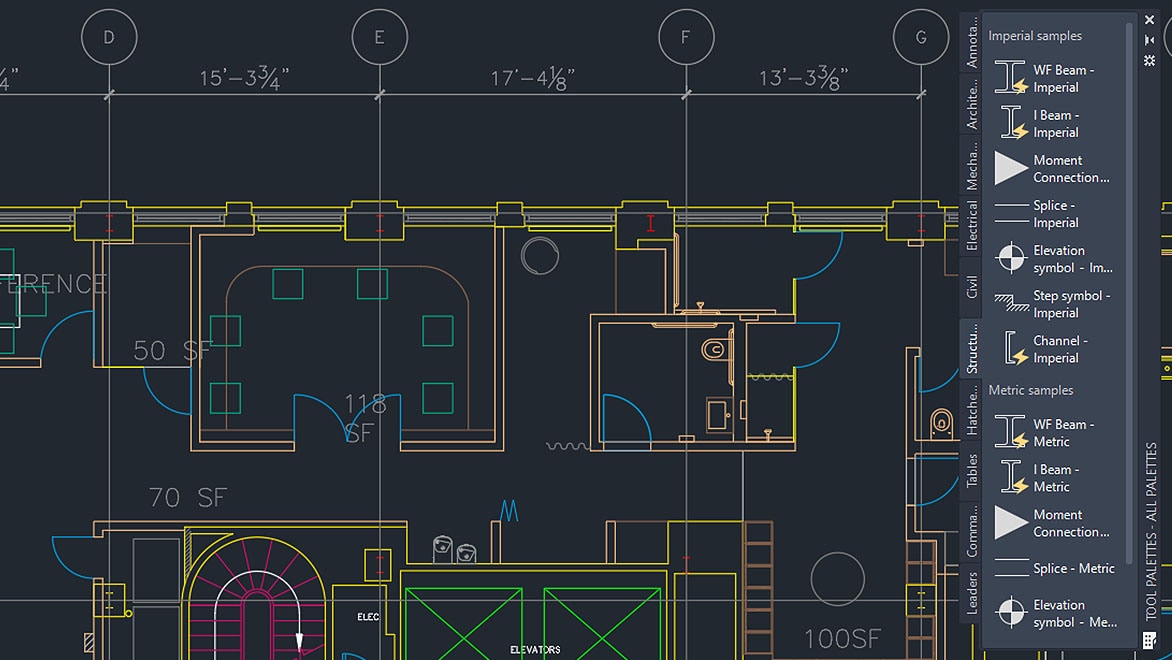
Master AutoCAD Civil 2D & 3D with practical industry-oriented training. Learn drafting, detailing, site planning, plotting, layers, dimensions, layouts, 3D modeling, and civil engineering drawing standards through real-world projects and expert guidance. This course is ideal for civil engineering students, diploma holders, site engineers, and working professionals seeking careers in design and drafting.
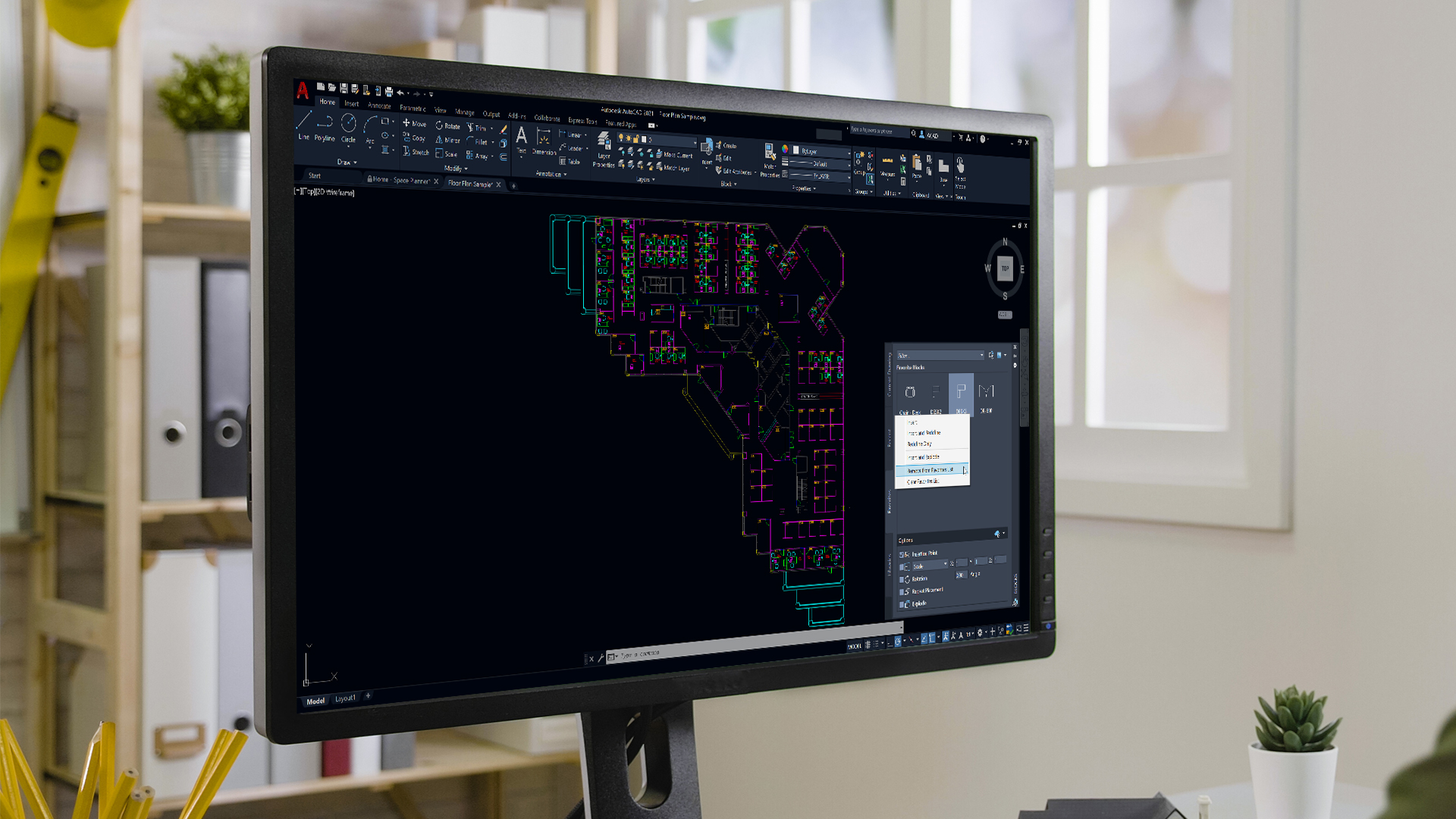
AutoCAD Civil 2D & 3D is one of the most widely used computer-aided design software applications in the civil engineering, construction, infrastructure, and architectural industries. It enables engineers, designers, and drafting professionals to create accurate technical drawings, layouts, plans, elevations, sections, and three-dimensional models used throughout the construction lifecycle. Organizations worldwide rely on AutoCAD for project planning, design documentation, construction detailing, and engineering communication.
The AutoCAD Civil 2D & 3D Course is designed to provide comprehensive training from beginner to advanced levels. The course focuses on developing practical drafting and modeling skills that are directly applicable to real-world civil engineering projects. Students learn industry-standard workflows, drawing standards, drafting techniques, and project documentation practices commonly used in engineering consultancies, construction companies, infrastructure firms, and government departments.
The training begins with an introduction to Computer-Aided Design (CAD) concepts and the AutoCAD interface. Students learn how to navigate the workspace, use drawing tools efficiently, manage files, and customize settings. Basic drafting commands such as Line, Polyline, Circle, Arc, Rectangle, Polygon, Trim, Extend, Offset, Mirror, Fillet, and Chamfer are covered in detail. These commands form the foundation of professional drafting and are essential for creating accurate engineering drawings.
As students progress, they learn advanced editing techniques, object properties management, layer management, dimensioning, annotation, text formatting, hatch patterns, and drawing organization. Proper layer management is particularly important in civil engineering projects because it improves drawing clarity, collaboration, and project documentation. Students also gain expertise in creating professional layouts, title blocks, plotting standards, and printing procedures used in engineering offices.
The 2D drafting section focuses on civil engineering applications such as site plans, building plans, foundation layouts, road layouts, drainage plans, structural detailing, and utility drawings. Students work on practical projects that simulate real engineering scenarios, helping them understand how AutoCAD is used in professional environments.
The 3D modeling section introduces students to three-dimensional design concepts. They learn coordinate systems, viewing techniques, visual styles, and navigation tools required for 3D design. Training includes creating 3D solids, surfaces, extrusions, revolved objects, sweeps, lofts, and complex engineering models. Students develop the ability to transform 2D drawings into realistic 3D models that improve visualization and project understanding.
Special emphasis is placed on civil engineering applications including land development projects, infrastructure layouts, roads, bridges, residential developments, commercial projects, and utility planning. Students learn how to prepare engineering documentation according to industry standards and client requirements.
The course also covers practical topics such as blocks, dynamic blocks, attributes, external references (XREF), templates, standards management, and productivity tools that improve efficiency in large-scale projects. These advanced features help students work more effectively and meet industry expectations.
Hands-on project work forms a significant component of the training program. Students create complete engineering drawings and 3D models under expert supervision. Project-based learning helps bridge the gap between theoretical concepts and practical implementation. It also builds confidence and prepares students for professional responsibilities after course completion.
By the end of the course, participants will be capable of preparing professional engineering drawings, creating accurate 3D models, managing project documentation, and contributing effectively to civil engineering and construction projects. Whether the goal is employment, career advancement, freelancing, or skill enhancement, this training provides a strong foundation for success in the engineering design industry,
In today's rapidly evolving construction and infrastructure industry, proficiency in AutoCAD Civil 2D & 3D has become a fundamental requirement for engineers, designers, planners, and technical professionals. Organizations expect candidates to possess not only software knowledge but also a practical understanding of drafting standards, project workflows, engineering documentation, and design coordination processes. This course is specifically designed to bridge the gap between academic knowledge and industry requirements.
The training program follows a structured learning methodology that starts with basic drafting concepts and gradually advances toward professional-level design and modeling techniques. Students are introduced to engineering drawing principles, drafting standards, scale management, coordinate systems, and geometric construction methods before moving on to advanced design workflows. This progressive approach ensures that learners develop a strong conceptual foundation before handling complex projects.
One of the most important aspects of civil engineering design is accuracy. Even minor errors in technical drawings can result in project delays, increased costs, and construction issues. Therefore, this course places significant emphasis on precision drafting techniques. Students learn how to create error-free drawings using object snaps, tracking tools, coordinate entry methods, precision measurement tools, and quality-control procedures.
The course also focuses extensively on drawing organization and management. Large civil engineering projects often contain hundreds of interconnected drawings and documents. Proper layer management, naming conventions, drawing standards, template creation, and file organization techniques are therefore taught in detail. These skills help students maintain consistency across projects and improve collaboration among engineering teams.
Students gain practical experience in preparing a variety of civil engineering drawings, including:
Each drawing type introduces unique challenges and industry practices, helping students understand the diverse applications of AutoCAD in civil engineering.
The 2D drafting component forms the foundation of the course and covers all essential commands and techniques required by modern engineering organizations. Students learn how to create, edit, annotate, and manage professional engineering drawings efficiently.
The training includes detailed coverage of:
Special attention is given to drafting standards used in engineering and construction industries. Students learn how to prepare drawings that comply with professional documentation requirements and client expectations.
Practical assignments are integrated throughout the learning process to reinforce theoretical concepts and develop real-world drafting proficiency.
Modern engineering projects increasingly require three-dimensional visualization for planning, coordination, and presentation purposes. Therefore, the course includes extensive training in 3D modeling and visualization techniques.
Students learn how to create realistic 3D representations of engineering projects using advanced AutoCAD tools. The training begins with an introduction to three-dimensional concepts and gradually progresses toward complex modeling techniques.
Topics covered include:
By working on practical projects, students develop the ability to transform traditional 2D drawings into realistic 3D models that improve project understanding and communication.
Infrastructure development represents one of the largest application areas for AutoCAD Civil 2D & 3D. Throughout the course, students explore how AutoCAD is used in planning and designing various infrastructure systems.
These applications include:
Students gain practical exposure to engineering workflows used in these sectors, making them more prepared for employment opportunities after course completion.
Project-based learning is a major component of this course. Rather than focusing solely on software commands, students work on complete projects that simulate real engineering assignments.
Project work may include:
Through these projects, students learn how engineering drawings are developed from concept stage to final documentation. This practical exposure significantly improves problem-solving abilities and technical confidence.
Engineering documentation is one of the most critical responsibilities of drafting professionals. Construction projects depend heavily on accurate and detailed drawings for successful execution.
The course provides comprehensive training in preparing:
Students learn how to organize drawing sets, maintain revision records, manage project documentation, and ensure consistency across multiple deliverables.
Engineering organizations continuously seek ways to improve productivity and reduce project timelines. Therefore, the course introduces students to advanced AutoCAD features that improve efficiency and workflow management.
These include:
Understanding these productivity tools enables students to work faster and more effectively in professional environments.
The primary objective of this course is to prepare students for successful careers in engineering design and drafting. Throughout the training program, emphasis is placed on developing practical competencies that employers actively seek.
Students gain exposure to:
This comprehensive approach ensures that graduates are capable of contributing effectively from the beginning of their careers.
Learning AutoCAD Civil 2D & 3D offers numerous professional advantages. The software remains one of the most widely adopted design tools across engineering and construction industries. As a result, professionals with AutoCAD expertise enjoy strong employment opportunities and career flexibility.
Key benefits include:
Upon successful completion of the AutoCAD Civil 2D & 3D Course, students will be able to:
The course ultimately equips learners with the technical expertise, practical experience, and professional confidence required to succeed in today's competitive engineering and construction industry. With strong demand for skilled CAD professionals across residential, commercial, industrial, and infrastructure sectors, AutoCAD Civil 2D & 3D remains one of the most valuable and career-enhancing skills for aspiring engineers and design professionals.
Choosing the right training institute is one of the most important decisions for students and professionals who want to build a successful career in engineering design, drafting, and construction technology. While many institutes offer software training, very few focus on practical industry requirements, real-world project exposure, career guidance, and skill development. TechCadd is committed to providing quality technical education that helps students develop both software proficiency and professional competence.
For years, TechCadd has been helping engineering students, diploma holders, architects, site engineers, draftsmen, and working professionals enhance their technical skills through industry-oriented training programs. The AutoCAD Civil 2D & 3D Training Program is designed with a practical learning approach that ensures students gain the confidence and expertise required in today's competitive job market.
One of the major strengths of TechCadd is its industry-oriented teaching methodology. The curriculum is designed after studying the requirements of civil engineering companies, construction firms, infrastructure consultants, architectural organizations, and design offices.
Students are not only taught software commands but also learn how those commands are used in actual engineering projects. This practical approach helps learners understand the complete workflow followed in professional organizations.
Training sessions focus on:
This practical exposure significantly improves employability and workplace readiness.
The quality of trainers plays a vital role in the learning experience. At TechCadd, training is conducted by experienced professionals who possess both teaching expertise and industry exposure.
The instructors understand the challenges students face while learning technical software. Therefore, they explain concepts using practical examples, real projects, and step-by-step demonstrations.
Students benefit from:
Learning from experienced trainers helps students develop confidence and gain a deeper understanding of engineering design practices.
Technical software cannot be mastered through theory alone. Practical experience is essential for developing professional competency.
TechCadd emphasizes hands-on learning through:
Students spend significant time working directly on software, which helps reinforce concepts and improve retention.
Regular practical sessions allow learners to develop speed, accuracy, and confidence while creating engineering drawings and models.
The AutoCAD Civil 2D & 3D course at TechCadd covers both fundamental and advanced topics required by industry professionals.
The curriculum includes:
The course structure ensures that students progress systematically from beginner-level concepts to advanced professional skills.
A key advantage of learning at TechCadd is exposure to real-time projects.
Students work on practical projects such as:
Project-based learning helps students understand how engineering drawings are developed in actual work environments.
This experience becomes highly valuable during interviews and professional assignments.
TechCadd provides a professional learning environment equipped with modern computer systems and updated software versions.
Students benefit from:
The infrastructure is designed to provide an experience similar to professional engineering offices.
Every student learns at a different pace.
TechCadd focuses on providing individual attention to ensure that no student is left behind.
Faculty members regularly:
This personalized approach improves learning outcomes and student satisfaction.
Professional organizations expect engineers and draftsmen to follow established drafting standards and documentation practices.
At TechCadd, students learn:
Understanding these standards helps students adapt quickly to workplace requirements.
Technical knowledge alone is often not sufficient for career growth.
TechCadd also focuses on developing:
These competencies contribute significantly to long-term career success.
One of the most valuable benefits offered by TechCadd is career support.
Students receive guidance in:
Placement assistance helps students connect with potential employers in engineering and construction industries.
The course is beneficial for:
Whether someone is starting their career or seeking professional advancement, the course provides valuable technical skills.
TechCadd aims to make quality technical education accessible to a wide range of learners.
Students receive:
This combination provides excellent value for individuals investing in their professional development.
Learning does not end after classroom sessions.
TechCadd supports students through:
This ongoing support helps students strengthen their skills and confidence.
AutoCAD serves as a foundation for advanced engineering software.
After completing the course, students can easily transition to:
This creates opportunities for continuous career growth and specialization.
Upon successful completion of training, students receive certification that validates their technical skills and course completion.
The certificate can strengthen job applications and demonstrate commitment to professional development.
The primary objective of TechCadd is student success.
Every aspect of the training program—from curriculum design and teaching methodology to project work and placement support—is focused on helping students achieve their career goals.
By combining experienced faculty, practical learning, industry-relevant projects, modern infrastructure, and career guidance, TechCadd creates an environment where students can develop the skills needed to succeed in engineering design and drafting careers.
For individuals seeking high-quality AutoCAD Civil 2D & 3D training, TechCadd offers a comprehensive learning experience that goes beyond software instruction and prepares students for real-world professional success.
At TechCadd, learning extends far beyond classroom training. The institute believes that technical education should create professionals who are capable of handling real industry responsibilities from the very beginning of their careers. Therefore, every aspect of the training environment is designed to encourage practical learning, technical excellence, and professional development.
Students are exposed to an environment that closely resembles actual engineering and design workplaces. They learn how projects are managed, how engineering teams collaborate, how drawings are reviewed, and how documentation standards are maintained throughout the project lifecycle. This exposure helps students understand industry expectations and prepares them for professional roles with confidence.
The learning environment encourages curiosity, creativity, and problem-solving. Students are motivated to explore multiple approaches to design challenges and develop efficient workflows that improve productivity and project quality.
The engineering and construction industries continue to evolve due to technological advancements, digital transformation, and increasing project complexity. As a result, employers seek candidates who possess current technical skills and practical knowledge of modern engineering workflows.
TechCadd regularly updates its course structure to reflect current industry requirements. The training incorporates the latest drafting methodologies, documentation standards, and design practices used by engineering consultants, contractors, architects, and infrastructure developers.
This ensures that students graduate with skills that are relevant, practical, and immediately applicable in professional environments.
Engineering drawings serve as the foundation of construction projects. Even a small drafting error can lead to significant financial losses, delays, or construction complications. Therefore, accuracy is one of the most important skills taught at TechCadd.
Students are trained to:
Developing these habits early in the learning process helps students become reliable professionals capable of handling critical engineering tasks.
Many software training institutes focus solely on teaching commands. However, industry professionals must understand how software tools contribute to project completion.
At TechCadd, students learn project-based thinking by working on practical assignments and engineering projects. Instead of viewing AutoCAD as merely a software application, students learn to use it as a tool for solving engineering problems.
This approach develops:
Such competencies significantly increase a student's value in the job market.
AutoCAD is used across multiple engineering disciplines. TechCadd introduces students to diverse applications of AutoCAD within civil engineering and construction industries.
Students gain exposure to:
Understanding these applications broadens career opportunities and improves industry readiness.
Practice is the key to mastering any technical software. Therefore, TechCadd integrates practical assignments throughout the course duration.
Assignments are designed to reinforce classroom concepts and improve software proficiency. Students work on exercises that gradually increase in complexity, enabling them to build confidence while developing professional skills.
Practical assignments help students:
Continuous practice ensures better learning outcomes and long-term skill retention.
Professional engineering organizations place significant importance on documentation quality. Proper documentation improves communication, project coordination, and construction accuracy.
At TechCadd, students learn documentation practices including:
These skills enable students to contribute effectively in professional environments from the beginning of their careers.
A strong portfolio can significantly improve employment opportunities. Employers often prefer candidates who can demonstrate practical skills through completed projects.
TechCadd encourages students to develop professional portfolios consisting of:
These portfolios showcase technical abilities and strengthen job applications.
Every aspect of the training program is designed with career development in mind. The objective is not only to teach software but also to prepare students for long-term professional success.
The career-oriented approach includes:
This comprehensive strategy helps students transition smoothly from training to employment.
Engineering projects involve multiple stages including planning, drafting, review, coordination, approval, and execution.
TechCadd helps students understand how these stages are connected and how AutoCAD supports each phase of project development.
Students learn:
Understanding workflows makes students more productive and efficient when they enter professional environments.
Confidence plays a crucial role in professional success. Many students initially feel uncertain about their technical abilities.
Through consistent practice, project work, trainer guidance, and performance evaluations, students gradually develop confidence in their skills.
By course completion, they are capable of:
This confidence becomes a major advantage during interviews and workplace assignments.
TechCadd believes that education should contribute to lifelong professional growth. Therefore, the training focuses not only on immediate employment but also on future career advancement.
Students develop a foundation that supports progression into advanced roles such as:
The skills acquired during training continue to provide value throughout a professional career.
Over the years, TechCadd has built a reputation for quality training and practical education. Students choose TechCadd because of its commitment to delivering industry-relevant learning experiences.
Employers appreciate candidates who possess practical skills, project exposure, and professional understanding. This makes TechCadd-trained students more competitive in the job market.
The philosophy of TechCadd is centered around excellence in education, practical learning, and student success. Every course is designed to maximize learning outcomes and career opportunities.
From beginner-level concepts to advanced project work, students receive structured guidance that helps them develop into competent engineering professionals.
This commitment to excellence is reflected in:
As a result, TechCadd continues to be a preferred destination for individuals seeking professional training in AutoCAD Civil 2D & 3D and related engineering technologies.
The future scope of AutoCAD Civil 2D & 3D is exceptionally promising due to the continuous expansion of infrastructure, urban development, transportation networks, industrial construction, and smart city projects across the world. As governments and private organizations invest heavily in modern infrastructure and sustainable development initiatives, the demand for skilled AutoCAD professionals continues to grow rapidly.
AutoCAD has remained one of the most widely used Computer-Aided Design (CAD) software solutions for decades and continues to play a critical role in civil engineering, architecture, construction, surveying, urban planning, and infrastructure development. Despite the emergence of newer technologies, AutoCAD remains the foundation of engineering drafting and design documentation, making it an essential skill for aspiring engineers and design professionals.
Infrastructure development is one of the primary drivers of employment opportunities for AutoCAD professionals. Governments worldwide are investing in roads, highways, bridges, railways, airports, metro systems, smart cities, industrial corridors, water supply networks, and renewable energy projects.
Each of these projects requires detailed engineering drawings, technical documentation, site plans, utility layouts, and construction drawings. AutoCAD professionals are responsible for preparing and managing these deliverables, making them an integral part of project execution teams.
As infrastructure spending continues to increase, the demand for skilled AutoCAD Civil 2D & 3D professionals is expected to remain strong for many years.
Civil engineering consultancy firms rely heavily on CAD professionals for design development and project documentation. These organizations handle planning, design, feasibility studies, and construction support for various infrastructure projects.
Professionals with AutoCAD expertise can work in roles such as:
These positions offer excellent opportunities for career growth and technical development.
Construction companies require AutoCAD professionals throughout the project lifecycle. From planning and design coordination to construction documentation and project execution, AutoCAD plays a vital role in ensuring project accuracy and efficiency.
Professionals may contribute to:
Construction organizations value candidates who possess strong drafting skills and an understanding of engineering documentation standards.
The concept of smart cities is transforming urban planning and infrastructure development worldwide. Smart city projects involve integrated transportation systems, sustainable infrastructure, digital utilities, efficient resource management, and advanced urban services.
AutoCAD professionals contribute to:
As cities continue to modernize, opportunities for CAD professionals will continue to expand.
Various government agencies regularly recruit technical professionals with AutoCAD expertise. Departments associated with public infrastructure, transportation, water resources, urban development, municipal planning, and public works require skilled drafting personnel.
Potential employment opportunities exist within:
Government projects often provide long-term career stability and valuable professional experience.
The real estate industry continues to generate significant demand for AutoCAD professionals. Residential townships, commercial complexes, mixed-use developments, industrial parks, and housing projects all require detailed planning and technical documentation.
AutoCAD professionals assist in:
The ongoing growth of urban housing and commercial infrastructure ensures sustained demand in this sector.
One of the biggest advantages of learning AutoCAD Civil 2D & 3D is that it serves as a foundation for mastering advanced engineering and design technologies.
After gaining proficiency in AutoCAD, professionals can advance to:
These advanced skills open doors to higher-paying and more specialized career opportunities.
Building Information Modeling (BIM) is rapidly transforming the architecture, engineering, and construction industry. BIM workflows require professionals who possess strong drafting and modeling fundamentals.
AutoCAD knowledge serves as an excellent starting point for transitioning into BIM-related roles such as:
As BIM adoption continues to increase globally, professionals with AutoCAD foundations will have a competitive advantage.
The digital economy has created numerous opportunities for freelance CAD professionals. Many engineering firms, contractors, and consultants outsource drafting and modeling work to independent professionals.
AutoCAD experts can provide services such as:
Freelancing offers flexibility, income diversification, and opportunities to work with clients worldwide.
AutoCAD is used globally across engineering and construction industries. Countries in the Middle East, Europe, North America, Southeast Asia, Australia, and Africa regularly hire skilled CAD professionals.
Industries employing AutoCAD professionals internationally include:
Professionals who combine AutoCAD expertise with practical project experience often find attractive opportunities abroad.
One of the most appealing aspects of AutoCAD Civil 2D & 3D is the clear career progression pathway available to professionals.
Typical career growth may include:
Entry Level
Mid-Level
Senior Level
Leadership Roles
Continuous learning and project experience can significantly accelerate career advancement.
Renewable energy projects are growing rapidly worldwide. Solar parks, wind farms, hydroelectric projects, and energy infrastructure developments require extensive engineering documentation and planning.
AutoCAD professionals support these projects through:
As the renewable energy sector expands, demand for CAD professionals is expected to increase further.
Transportation infrastructure remains one of the largest employers of civil engineering professionals. Highways, expressways, metro systems, rail networks, airports, and logistics corridors all depend on detailed design documentation.
AutoCAD specialists contribute to:
Major transportation projects generate long-term employment opportunities and valuable project experience.
AutoCAD skills can also support entrepreneurial ambitions. Experienced professionals often establish:
Entrepreneurship allows professionals to leverage technical expertise while creating independent business opportunities.
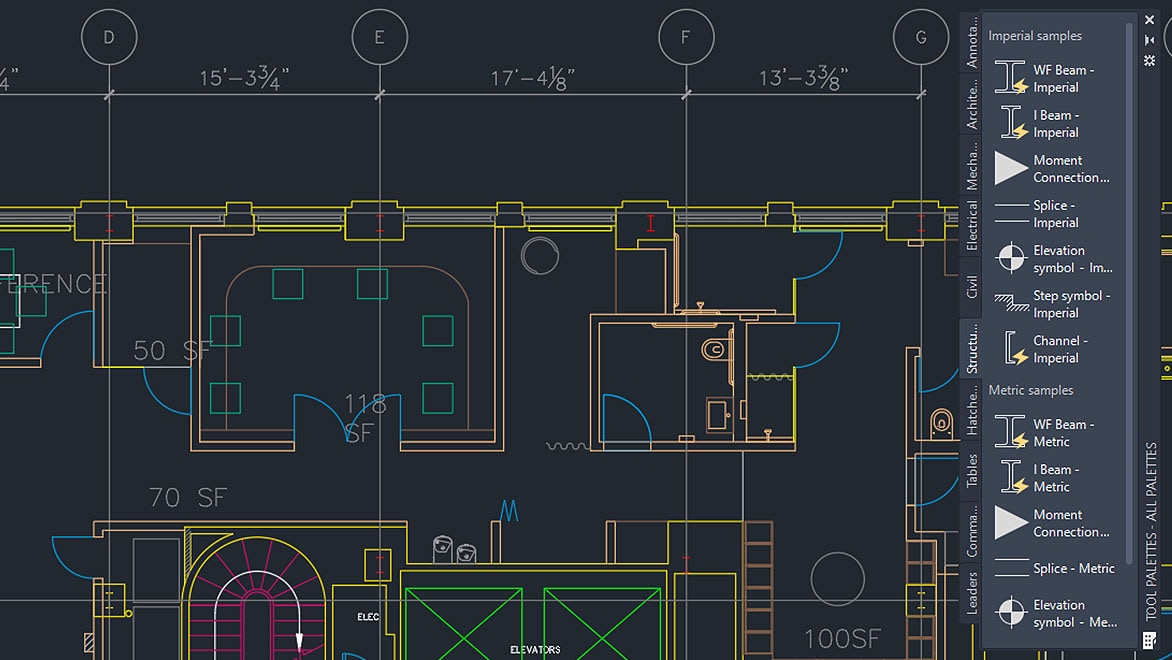
Employers consistently seek candidates who possess practical software skills and project understanding. AutoCAD remains one of the most recognized and requested software skills in civil engineering and construction job descriptions.
Candidates with AutoCAD Civil 2D & 3D training enjoy advantages such as:
While technology continues to evolve, AutoCAD remains deeply integrated into engineering workflows worldwide. It serves as the foundation for drafting, documentation, design communication, and project coordination.
Because of its versatility, industry acceptance, and compatibility with advanced technologies, AutoCAD is expected to remain relevant for many years. Professionals who master AutoCAD Civil 2D & 3D gain a valuable technical skill that supports long-term career growth and professional success.
The construction industry is undergoing a significant transformation through the adoption of digital technologies, automation, and data-driven project management systems. Modern construction projects increasingly rely on digital drawings, 3D models, cloud-based collaboration, and integrated engineering workflows.
AutoCAD Civil 2D & 3D professionals are at the center of this transformation because technical drawings remain the foundation of every engineering project. Even when advanced technologies such as BIM, digital twins, and construction management platforms are used, accurate CAD drawings continue to play a critical role in project development.
As digital construction practices become more widespread, professionals who possess strong AutoCAD skills will remain valuable assets to engineering organizations.
Governments and private organizations are investing heavily in smart infrastructure projects that improve transportation, communication, public services, and urban living standards.
Examples include:
Each of these projects requires extensive planning, drafting, coordination, and technical documentation, creating strong demand for AutoCAD professionals.
Large engineering projects involve thousands of drawings and technical documents. Managing this information accurately is essential for successful project execution.
Organizations increasingly seek professionals who can:
AutoCAD-trained professionals often become valuable contributors in documentation management roles.
Industrial growth continues to generate demand for engineering design professionals. Manufacturing facilities, logistics parks, warehouses, industrial corridors, processing plants, and production facilities all require detailed engineering documentation.
AutoCAD professionals contribute to:
As industrial investment increases, opportunities for CAD professionals continue to expand.
Surveying and land development projects depend heavily on accurate drafting and design documentation.
AutoCAD professionals assist in:
With increasing urban expansion and real estate development, surveying-related opportunities are expected to remain strong.
Sustainability has become a major priority in modern engineering and construction projects. Organizations are increasingly focused on efficient resource utilization, environmental protection, and sustainable infrastructure development.
AutoCAD professionals support sustainability initiatives through:
As sustainability regulations become stricter, demand for technically skilled professionals will continue to rise.
Modern construction projects involve collaboration between architects, civil engineers, structural engineers, MEP consultants, contractors, and project managers.
AutoCAD professionals often serve as key contributors in project coordination activities by:
Strong coordination skills combined with AutoCAD expertise can lead to leadership and management opportunities.
Transportation infrastructure remains a top priority for economic development. Governments continue to invest heavily in:
These projects generate extensive demand for drafting and design professionals who can prepare accurate engineering drawings and documentation.
AutoCAD remains one of the primary tools used throughout transportation project development.
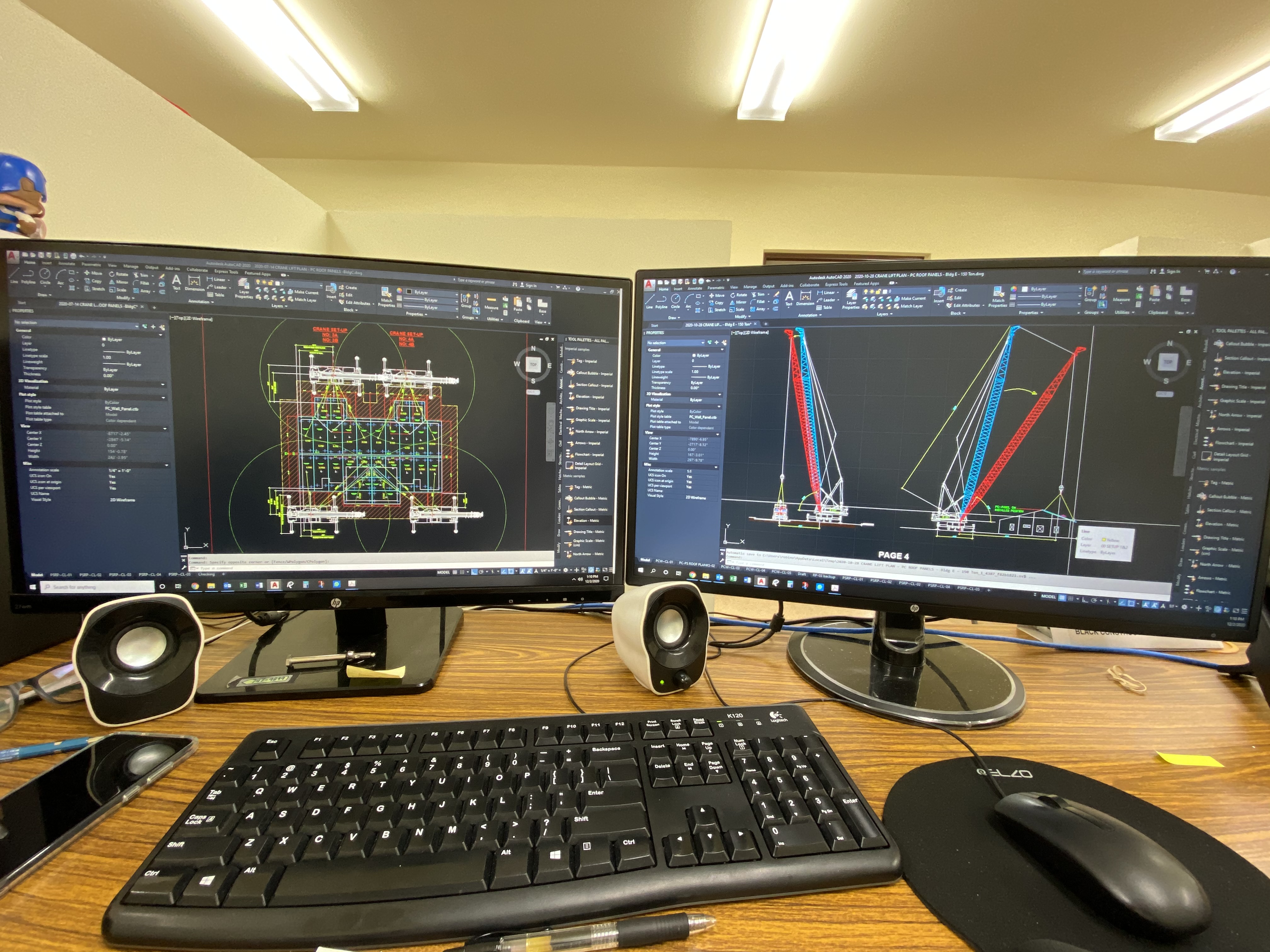
Water resource projects require extensive planning and technical documentation.
Examples include:
AutoCAD professionals play a crucial role in preparing layouts, plans, sections, and construction drawings for these projects.
The future scope of AutoCAD Civil 2D & 3D is vast and continuously expanding. With growing investments in infrastructure, construction, transportation, smart cities, renewable energy, and urban development, demand for skilled CAD professionals remains strong across industries. Whether pursuing employment, freelancing, entrepreneurship, government opportunities, or international careers, AutoCAD Civil 2D & 3D provides a solid foundation for professional growth and long-term success in the engineering and construction sectors.
Join thousands of students at TechCadd Mohali and build your career.
Call: +91 98881 22442