


In the rapidly evolving landscape of web development, few technology stacks have gained as much traction and community support as the MERN stack. Whether you're a startup founder looking to build a minimum viable product, a seasoned developer expanding your skill set, or a tech lead architecting the next big platform, understanding the MERN stack has become virtually essential in modern web development.
The MERN stack—comprising MongoDB, Express.js, React, and Node.js—represents a full JavaScript approach to building robust, scalable, and dynamic web applications. But here's the thing: knowing the individual technologies is only half the battle. The real magic happens when you understand how these tools work in concert, the ecosystem surrounding each component, and the additional tools that transform a good MERN application into an exceptional one.
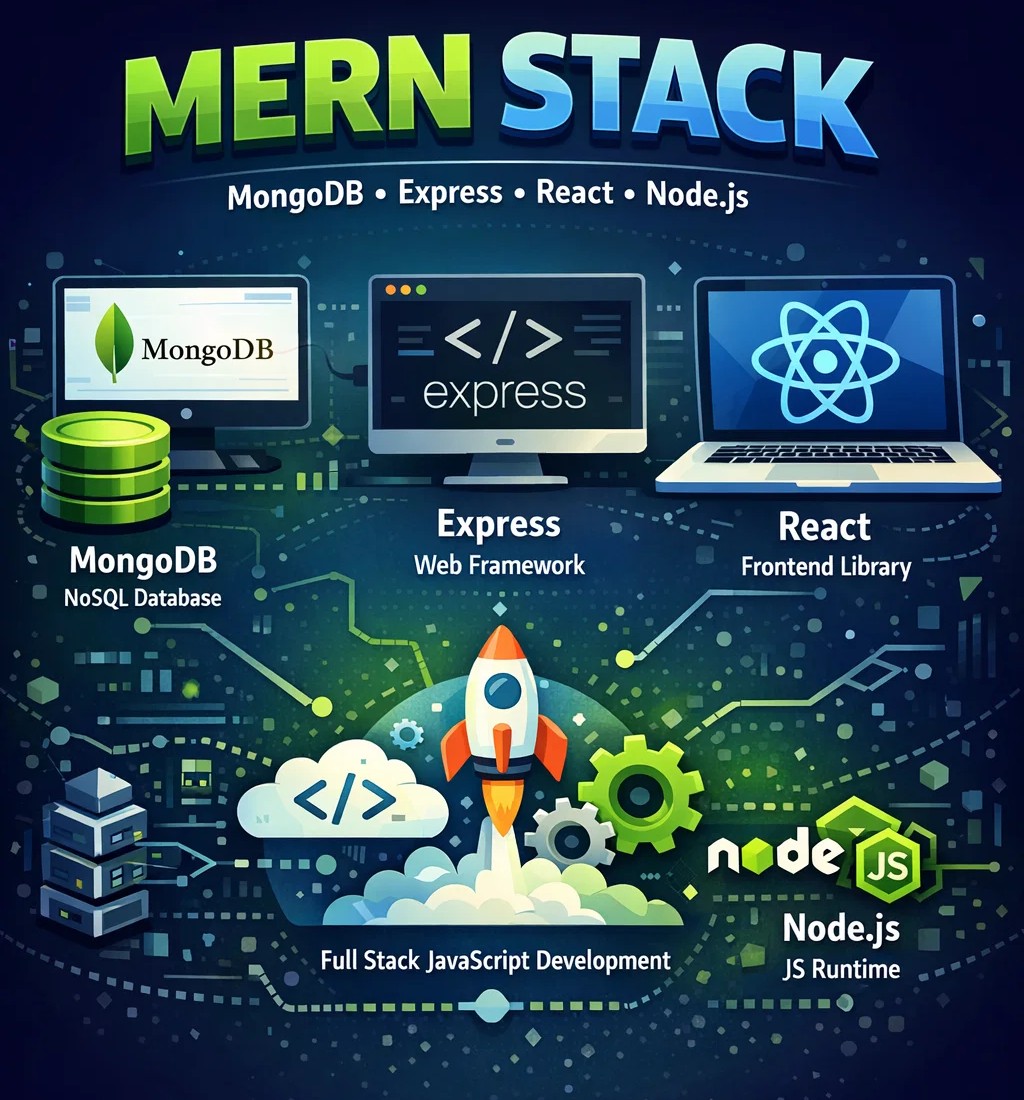
In this comprehensive guide, we'll dive deep into the MERN stack technology stack, exploring not just the core four technologies, but the entire toolkit that professional developers use to build production-ready applications. By the time you finish reading, you'll have a complete roadmap for mastering MERN stack development.
Understanding the MERN Stack Architecture
Before we dive into the tools, let's establish a clear picture of how the MERN stack fits together. The architecture follows a classic three-tier pattern, but with a JavaScript twist that makes it particularly elegant.
The Three-Tier Structure
Frontend Tier (React): At the user-facing layer, React handles everything your users see and interact with. It's responsible for rendering components, managing client-side state, and providing that smooth, app-like experience users have come to expect.
Backend Tier (Node.js and Express.js): This middle layer processes requests from the frontend, implements business logic, and communicates with the database. Node.js provides the runtime environment, while Express.js offers a minimalist framework for building APIs and handling HTTP requests.
Database Tier (MongoDB): At the foundation, MongoDB stores and retrieves data. Its document-based model aligns perfectly with JavaScript's object-oriented nature, eliminating the need for complex object-relational mapping.
What makes this stack particularly powerful is the end-to-end JavaScript implementation. Developers can work across the entire application without switching mental contexts between different programming languages. This unified language approach significantly reduces development time and makes the codebase more maintainable.
MongoDB: Beyond Basic CRUD Operations
MongoDB serves as the database layer in the MERN stack, but modern MongoDB development involves much more than simply inserting and retrieving documents. Let's explore the tools and practices that professional MongoDB developers rely on.
Essential MongoDB Tools
MongoDB Atlas has revolutionized how developers handle database deployment. This fully managed cloud database service handles the heavy lifting of database administration, including automated backups, vertical and horizontal scaling, and comprehensive monitoring. With Atlas, you can focus on building features rather than managing infrastructure.
For local development, MongoDB Compass provides a graphical interface that makes database exploration and manipulation intuitive. You can visualize your data schema, build aggregation pipelines visually, and optimize query performance without writing a single line of code.
When it comes to data modeling, the Mongoose ODM has become the de facto standard for Node.js applications. Mongoose provides a schema-based solution for modeling your application data, offering built-in type casting, validation, and middleware. Here's a practical example:
const userSchema = new mongoose.Schema({
  username: { type: String, required: true, unique: true },
  email: { type: String, required: true, lowercase: true },
  createdAt: { type: Date, default: Date.now },
  profile: {
    firstName: String,
    lastName: String,
    avatar: String
  }
});

userSchema.methods.getFullName = function() {
  return `${this.profile.firstName} ${this.profile.lastName}`;
};

const User = mongoose.model('User', userSchema);
Advanced MongoDB Patterns
Professional MERN developers understand that database design significantly impacts application performance. Indexing strategies, for instance, can transform a slow query into a lightning-fast operation. Compound indexes, partial indexes, and text indexes each serve specific use cases that experienced developers learn to leverage.
Aggregation pipelines represent another powerful feature. Rather than performing multiple queries and joining data in application code, you can use MongoDB's aggregation framework to transform and combine documents directly in the database. This approach dramatically reduces network overhead and improves response times.
Express.js: The Backend Framework That Scales
Express.js might be minimalist by design, but the ecosystem surrounding it provides everything needed for enterprise-grade applications. Understanding Express.js means knowing not just the framework itself, but the middleware and patterns that make it production-ready.
Essential Express.js Middleware
Helmet.js should be the first middleware any Express application implements. It sets various HTTP headers that secure your app by well-known web vulnerabilities. Similarly, cors middleware enables Cross-Origin Resource Sharing in a controlled, secure manner.
For parsing incoming requests, body-parser (now built into Express) handles JSON, URL-encoded, and raw text payloads. Meanwhile, compression middleware reduces response sizes, improving application performance especially for mobile users.
Authentication and Authorization Patterns
JWT-based authentication has become the standard approach in MERN applications. The jsonwebtoken library provides robust JWT creation and verification, while bcryptjs handles password hashing. Here's a typical implementation pattern:
const jwt = require('jsonwebtoken');
const bcrypt = require('bcryptjs');

const generateToken = (user) => {
  return jwt.sign(
    { id: user._id, email: user.email },
    process.env.JWT_SECRET,
    { expiresIn: '7d' }
  );
};

const verifyPassword = async (candidatePassword, userPassword) => {
  return await bcrypt.compare(candidatePassword, userPassword);
};
Error Handling and Validation
Production applications require robust error handling. The express-validator library provides a clean way to validate and sanitize user input. Combined with a centralized error handler, you can ensure consistent error responses throughout your application.
React: Building Dynamic User Interfaces
React's component-based architecture has transformed frontend development, but modern React development involves an entire ecosystem of tools and libraries. Understanding this ecosystem is crucial for building maintainable, performant applications.
State Management Solutions
While React's built-in useState and useReducer hooks handle local component state perfectly, application-wide state management often requires additional tools. Redux Toolkit has emerged as the official, opinionated approach to Redux development, eliminating much of the boilerplate that traditionally discouraged developers.
However, the Context API combined with useReducer provides a simpler alternative for many applications. The key is understanding when each approach makes sense:
-
Local component state: useState for simple, isolated state
-
Feature-level state: Context + useReducer for related components
-
Application-wide state: Redux Toolkit for complex state logic
-
Server state: React Query or SWR for data fetching
React Router for Navigation
React Router v6 represents the current standard for handling navigation in React applications. Its declarative approach to routing makes complex navigation patterns surprisingly simple:
import { BrowserRouter, Routes, Route, Navigate } from 'react-router-dom';

function App() {
  return (
    <BrowserRouter>
      <Routes>
        <Route path="/" element={<Layout />}>
          <Route index element={<Home />} />
          <Route path="dashboard" element={<PrivateRoute />}>
            <Route index element={<Dashboard />} />
          </Route>
          <Route path="*" element={<NotFound />} />
        </Route>
      </Routes>
    </BrowserRouter>
  );
}
Performance Optimization
React's performance characteristics deserve careful attention. The React DevTools Profiler helps identify unnecessary re-renders, while techniques like memoization (useMemo, useCallback) and code splitting can dramatically improve application performance.
Lazy loading routes and components ensures users download only the code they need for the current view:
const Dashboard = React.lazy(() => import('./pages/Dashboard'));

function App() {
  return (
    <Suspense fallback={<LoadingSpinner />}>
      <Dashboard />
    </Suspense>
  );
}
Node.js: The Runtime That Powers It All
Node.js provides the JavaScript runtime that ties the MERN stack together. Understanding Node.js means understanding event loops, non-blocking I/O, and the npm ecosystem.
Process Management and Environment
In production, Node.js applications need proper process management. PM2 has become the industry standard for this purpose, providing process clustering, automatic restarts, and comprehensive monitoring. Environment configuration typically relies on dotenv for development and platform-specific environment variables in production.
Security Best Practices
Node.js security deserves dedicated attention. The helmet middleware we mentioned earlier starts the process, but additional measures include:
-
Rate limiting with express-rate-limit
-
Input sanitization with xss-clean and express-mongo-sanitize
-
SQL injection prevention (though MongoDB's document model reduces this risk)
-
Regular dependency updates using npm audit or Snyk
Testing Strategies
Professional Node.js development requires comprehensive testing. The combination of Jest for unit testing and Supertest for integration testing provides a solid foundation. End-to-end testing with Cypress or Playwright completes the testing pyramid.
The Extended MERN Toolkit
Beyond the core technologies, professional MERN developers rely on additional tools that streamline development and improve code quality.
Development Experience Tools
Nodemon automatically restarts your Node.js application when file changes are detected, making development significantly more efficient. Concurrently runs multiple commands simultaneously, perfect for starting both frontend and backend servers with a single npm script.
ESLint and Prettier enforce code consistency across your team. Combined with Husky for git hooks, you can ensure every commit meets your quality standards.
API Development and Documentation
Postman or Insomnia prove invaluable for API development and testing. For documentation, Swagger/OpenAPI integration with Express.js ensures your API documentation stays synchronized with your implementation.
Database Management and Migration
MongoDB migrations become crucial as your application evolves. Libraries like migrate-mongo provide structured approaches to database schema evolution, ensuring consistent database states across environments.
Building Production-Ready Applications
Taking a MERN application from development to production involves considerations that go beyond the code itself.
Environment Configuration
The twelve-factor app methodology recommends storing configuration in the environment. This means using environment variables for database connections, API keys, and feature flags. Libraries like joi can validate your environment configuration on application startup, preventing runtime errors due to misconfiguration.
Logging and Monitoring
Winston or Morgan provide structured logging capabilities that prove invaluable for debugging production issues. For monitoring, services like New Relic, Datadog, or open-source alternatives like Prometheus and Grafana offer insights into application performance.
Deployment Strategies
Modern deployment options for MERN applications range from traditional VPS hosting to containerized deployments with Docker and orchestration with Kubernetes. Platform-as-a-service options like Heroku (for backend) and Netlify or Vercel (for frontend) simplify deployment significantly.
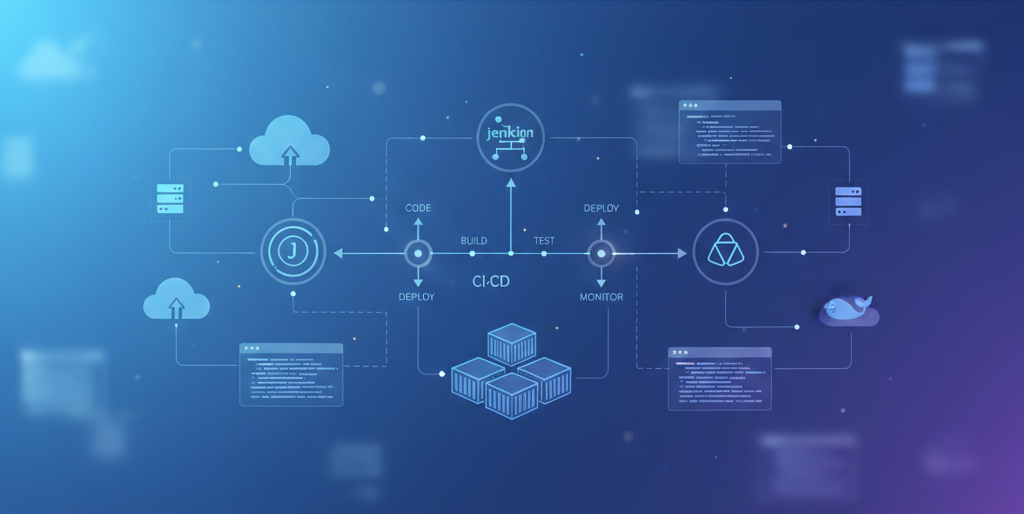
CI/CD pipelines using GitHub Actions, GitLab CI, or Jenkins automate testing and deployment, ensuring consistent, reliable releases.
Common Pitfalls and How to Avoid Them
Even experienced developers encounter challenges with the MERN stack. Understanding common pitfalls helps avoid them.
The N+1 Query Problem
In MongoDB, the N+1 query problem manifests when developers fetch data in loops. Recognizing this pattern and using population or aggregation pipelines solves the performance issue before it impacts users.
State Management Complexity
As React applications grow, state management can become unwieldy. Starting with simple solutions and progressively introducing complexity only when needed prevents over-engineering while maintaining flexibility.
Security Oversights
Common security gaps include exposed environment variables, missing rate limiting, and inadequate input validation. Regular security audits and staying current with best practices protects both your application and your users.
The Future of MERN Stack Development
The MERN stack continues to evolve. React Server Components, MongoDB's time-series collections, and Node.js's ongoing performance improvements all point toward an exciting future.
Serverless architectures are increasingly compatible with MERN applications. MongoDB Realm and AWS Lambda integrations enable building applications that scale automatically while minimizing operational overhead.
TypeScript adoption continues to grow, offering type safety across the entire stack. Starting new MERN projects with TypeScript provides immediate benefits and positions your codebase for future maintainability.
Conclusion
The MERN stack represents more than just four technologies—it's an entire ecosystem of tools, patterns, and practices that enable developers to build sophisticated web applications efficiently. From MongoDB's flexible data modeling to Express.js's minimalist API design, from React's component architecture to Node.js's event-driven runtime, each piece contributes to a cohesive whole.
Success with the MERN stack comes from understanding not just the individual technologies, but how they work together. It comes from knowing which additional tools to bring in and when, from recognizing patterns that scale and practices that prevent problems before they occur.
Whether you're just beginning your MERN journey or looking to deepen your expertise, the toolkit we've explored provides a roadmap for professional growth. Start with the fundamentals, gradually incorporate advanced patterns, and never stop exploring the ecosystem. The MERN stack's vibrant community ensures there's always something new to learn.
Remember: the best developers aren't those who know every tool, but those who know which tool to use for each job. Use this guide as your compass as you navigate the rich landscape of MERN stack development. Happy coding!

Comments
No comments yet. Be the first to comment.
Leave a Comment