


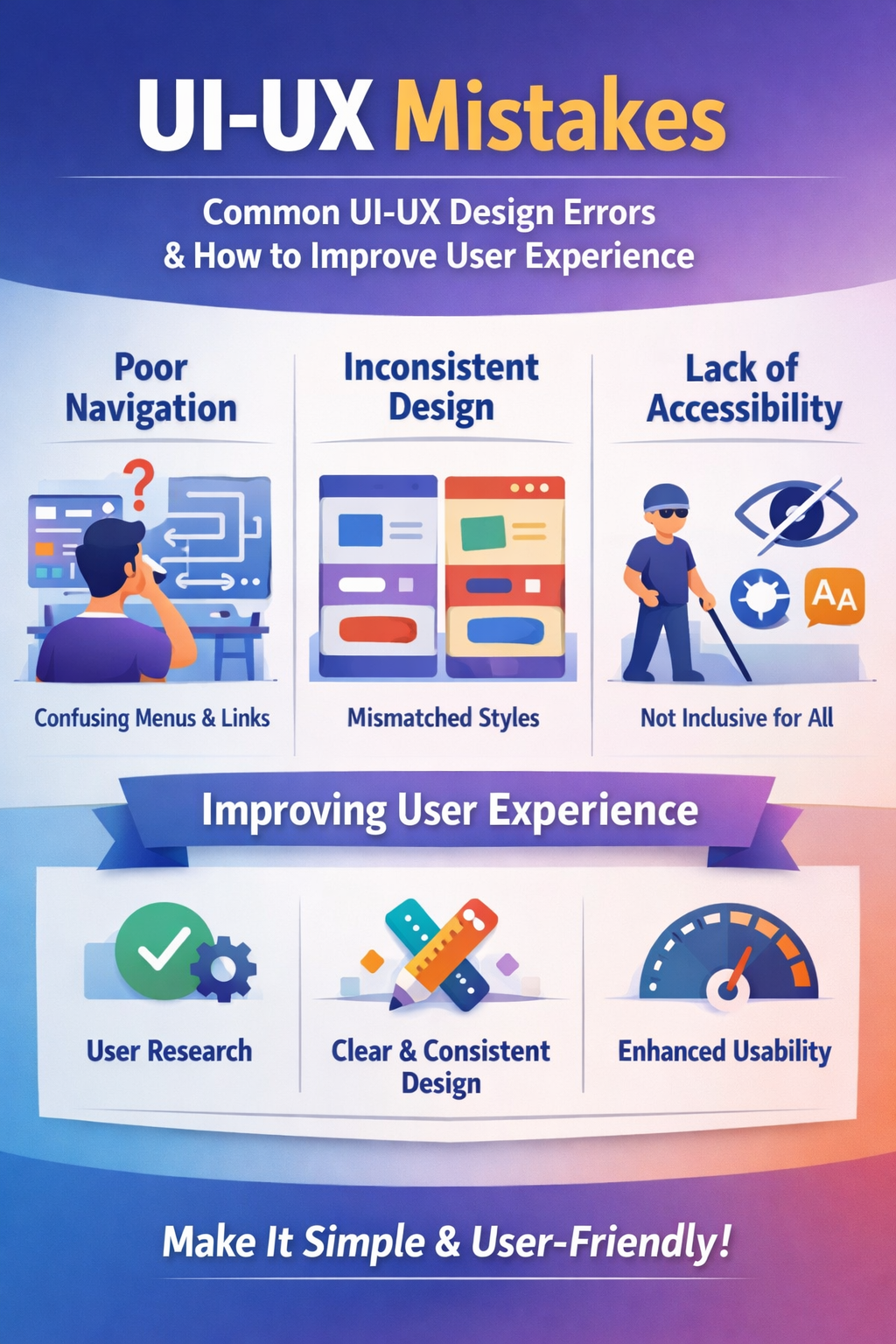
User Interface (UI) and User Experience (UX) design are critical to the success of any digital product. A well-designed interface helps users complete tasks efficiently, while a poor design can frustrate users and drive them away. Many applications fail not because of a lack of features, but due to common UI-UX mistakes that negatively impact usability and satisfaction. Identifying these errors and addressing them is essential to improving overall user experience.
One of the most common UI-UX design mistakes is designing without sufficient user research. When designers rely on assumptions instead of understanding real user needs, the result is often a product that does not align with user expectations. User personas, surveys, interviews, and usability testing help designers gain insights into user behavior and pain points. Without this research, interfaces may appear visually appealing but fail to provide meaningful value.
Another major issue is poor navigation and information architecture. Users should be able to find information quickly and intuitively. Complex menus, unclear labels, and inconsistent navigation patterns make it difficult for users to move through an application. Simple navigation structures, clear menu hierarchies, and predictable user flows help reduce confusion and improve usability.
Inconsistency in design elements is another frequent UI-UX error. Using different fonts, colors, button styles, and layouts across screens can confuse users and reduce trust in the product. Consistency allows users to learn how an interface works and apply that knowledge across the entire system. Design systems and style guides play a key role in maintaining uniformity throughout a product.
Ignoring accessibility is a serious mistake that affects user experience and inclusivity. Many designs fail to consider users with disabilities, such as visual impairments, motor limitations, or cognitive challenges. Poor color contrast, small text sizes, and lack of keyboard navigation create barriers for many users. Adhering to accessibility standards ensures that digital products are usable by a wider audience and enhances usability for everyone.
Information overload is another common problem in UI-UX design. Crowded screens filled with excessive text, images, and actions overwhelm users and make it difficult to focus on important tasks. Effective use of whitespace, visual hierarchy, and prioritization of content helps guide user attention and improves comprehension.
Performance-related issues also harm user experience. Slow loading times, unresponsive interactions, and lack of system feedback can frustrate users and reduce engagement. Users expect immediate responses when they interact with an interface. Loading indicators, progress bars, and clear error messages help users understand what is happening and build confidence in the system.
Additionally, unclear calls to action and poor feedback mechanisms can leave users uncertain about their next steps. Buttons that are hard to identify or messages that fail to explain errors can disrupt user flow. Clear, descriptive labels and timely feedback help users complete tasks smoothly.
To improve user experience, designers must focus on simplicity, clarity, and user-centered design principles. Regular usability testing, feedback collection, and iterative improvements allow designers to identify issues early and refine their designs continuously. By avoiding common UI-UX mistakes and prioritizing user needs, designers can create digital products that are intuitive, accessible, and enjoyable, ultimately leading to higher user satisfaction and long-term success.


Comments
No comments yet. Be the first to comment.
Leave a Comment